
Description
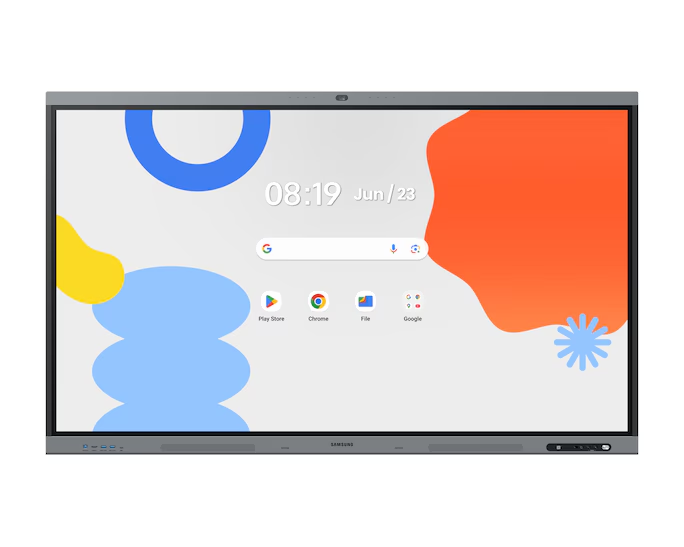
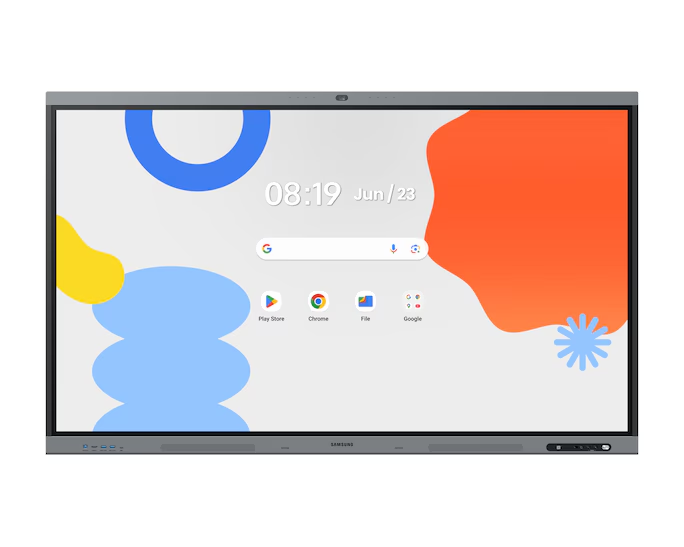
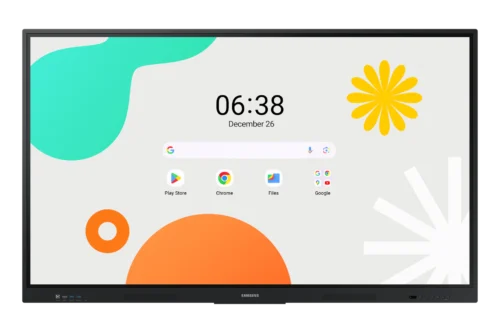
Samsung Interactive Touch Displays PN WA86FX-P
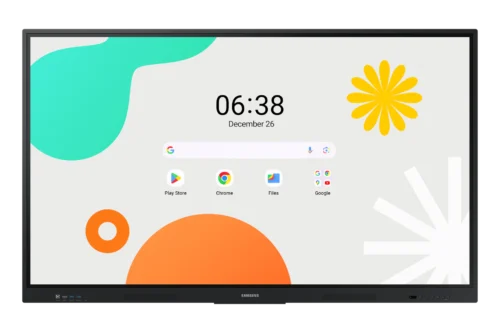
86″ WA86FX-P Interactive Display
The Samsung Interactive Touch Displays PN WA86FX-P delivers an immersive 86″ interactive experience with precise touch response, stunning picture quality, and robust build — ideal for corporate, education, retail, and showroom environments.
Features
Android™ 15&Octa-Core CPU
EDLA Certification
All-in-One Video Call System
Unlimited Learning Possibilities

Key features at a glance

Android™ 15 & Octa-Core CPU
User-friendly UX, powerful performance
Experience intuitive, fast, and fluid performance powered by Android™ 15 and an Octa-core CPU. Whether you’re in the classroom or the meeting room, enjoy smooth access to educational tools, apps, and multitasking features.
EDLA Certification
Seamless access to Google services
As a Google EDLA certified interactive display, the WAFX-P comes with Google apps and services. It supports Google Play and delivers a streamlined experience designed to enhance education and collaboration.
All-in-One Video Call System
Built-in features for frictionless communications
With WAFX-P, starting a remote class or video conference requires no extra equipment or setup. The built-in 48MP camera keeps the speaker in view with Auto Framing, while the microphone captures voices within a 10-meter range, and dual 20W speakers and a built-in woofer deliver powerful audio.
AI Write & Search
Write. Circle. Search smarter
Seamlessly transition your handwritten notes into the digital world. With WAFX-P’s embedded AI and digital ink recognition, simply circle handwritten notes on the screen and tap the search icon to access web results, images, and more – all without typing.
Smart Notetaking

Fast & Precise Writing
Write with precision. Interact without delay.
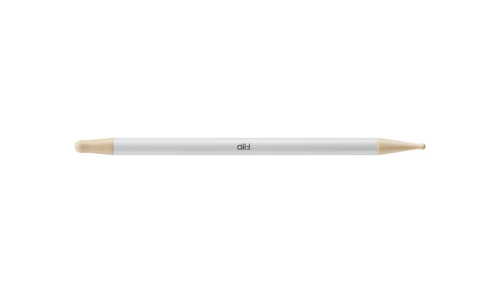
WAFX-P offers a paper-like writing experience powered by handwriting prediction technology. It captures all writing styles—from fast strokes to subtle pressure—and responsively follows pen movements. Additionally, it supports multi-touch, enabling collaboration for up to 50 users.
* Supports up to 50-point multi-touch when running Windows via OPS or external PC.

Easy Multitasking

Split Screen Mode
Work side-by-side, in separate spaces
The upgraded Note app supports up to four independent note areas on a single page, allowing multiple students to use the whiteboard function simultaneously. Students can work in their respective areas without affecting others, which benefits both individual learning and collaboration.

Smart, wireless sharing on multiple devices
WAFX-P supports screen sharing from up to 9 devices simultaneously, regardless of OS. Content can be shared between the main display and personal devices, maximizing engagement and inclusivity.
Live Caption
Make content accessible for everyone
Make audio and video playback easier to follow for everyone. With built-in Live Caption on, WAFX-P automatically generates on-screen captions for content with audio features—supporting accessible learning and better engagement across various environments.
Reviews
There are no reviews yet.